
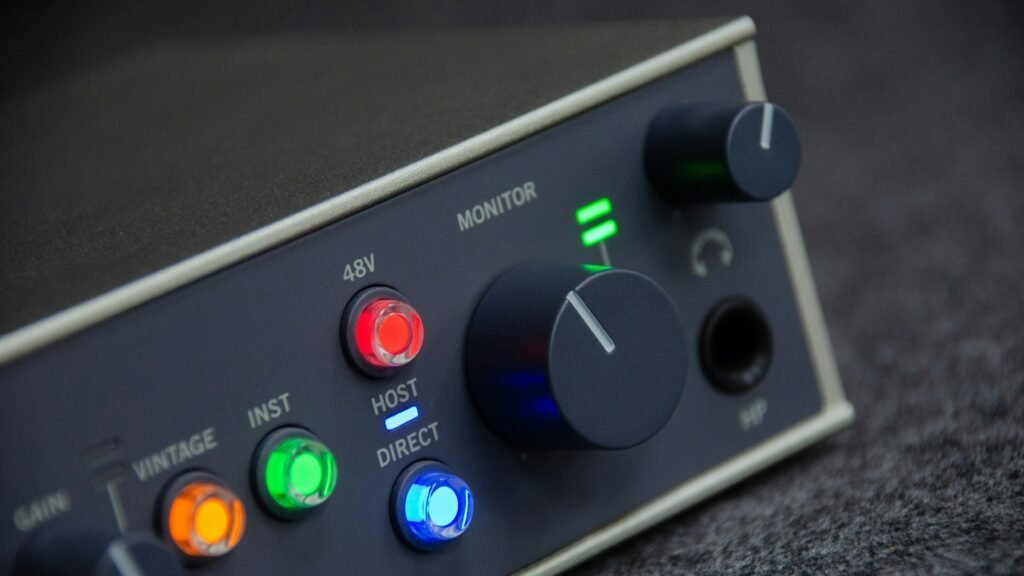
Let’s say you have $200 in your pocket. And you are looking for the best audio interface in the internet and spent your damn $200 on something. What if you get a crappy output that you didn’t even expect?
Spending money on fancy gears is very easy. But to understand it’s working principle can help you to make better quality in your sounds. Here my whole point is NEVER URGE TO BUY.
This guide is all about helping you to make a smart choice—one that makes your sound actually right and pleasant to you. It’s easy but needs discipline to stay in line to make progress.
🤫 SSHHH! Few other topics were covered here and there as a bonus content! Stay with me throughout the end.
Quick Comparisons 🆚
| MODEL | I/O | Loopback | Features | Best for? |
| MOTU M2 | 2×2 | Yes | Front meters, low latency, solid drivers | All‑round recording, VIs, guitar DI |
| Scarlett 2i2 (4th) | 2×2 | Software insisted | Auto Gain, Clip Safe, Air modes | Beginners, singer songwriters |
| Audient EVO 4 | 2×2 | Yes | Smart gain, compact form | Streaming, podcasting |
| UA Volt 2 | 2×2 | Software insisted | Vintage preamp circuit | Warm vocals, instruments |
| Behringer UM2/UMC22 | 1-2 in | No | Ultra‑cheap, starter option | Tight budgets, first step |
Quick overview
Buyer’s Guide (what to look for) 👀
- Preamps and gain: Prioritize interfaces with 55–60 dB+ of clean gain if using dynamic mics like SM7B; otherwise a cloudlifter may be needed.
- Latency and drivers: Look for proven Windows drivers and class‑compliant macOS performance; models like M2 and 2i2 are frequently highlighted for stability.
- I/O and monitoring: Two combined inputs, direct monitoring, and balanced TRS outs cover most home‑studio needs; front‑panel meters are a workflow bonus.
- Loopback and extras: If streaming or podcasting, loopback routing is essential; consider EVO 4/8, MOTU M2 or software‑enabled options in this range.
- Bundled software: Entry‑level DAWs and plug‑ins add value; Scarlett and Volt lines often include helpful starter packs.
in short….
- Input/Output Needs → Solo artist? 1–2 inputs may be enough. Bands need more.
- Driver Support → Stable drivers = low latency = smooth recording.
- Build Quality → Rugged interfaces last longer for travel or live setups.
- Included Software → Many interfaces come bundled with DAWs or plugins.
🧐 Wanna know the basics? Here you go, a snippet about the digital audio interface (check this out to read later).
Fundamentals of audio interface 🐣
What is an audio interface?
An audio interface is a dedicated device that converts analog sound (from microphones, instruments, and line sources) into digital data your computer can record, and convert digital audio back to analog for speakers and headphones, acting as the central hub of a studio signal chain.
What are all the characteristics?
- Conversion quality: High‑resolution A/D and D/A converters aim for wide dynamic range, transparent frequency response, and low total harmonic distortion to capture clean, detailed audio.
- Mic preamps and gain: Built‑in microphone preamps provide clean gain to boost low‑level mic signals while minimising noise, often including phantom power for condenser mics.
- I/O and connectivity: Typical I/O includes combo XLR/TRS (mic/line) inputs, instrument (Hi‑Z) inputs for guitar/bass, balanced TRS monitor outputs, headphone amps, and USB‑C/USB connectivity to the computer.
- Monitoring and latency: Direct (hardware) monitoring and optimised drivers help achieve low‑latency tracking so performers can hear themselves in real time without distracting delay.
Applications:
- Music production and recording.
- Podcasting and streaming.
- Voice‑over and content creation.
- Mixing and playback.
The best audio interfaces under $200 (2025) 🤩
MOTU M2 — best overall
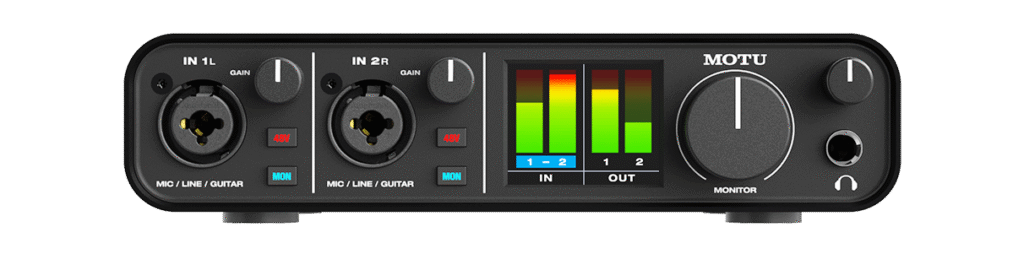
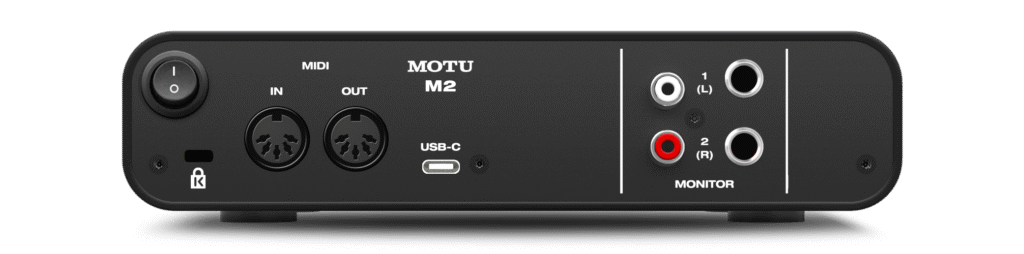
Why it stands out: The M2 brings high‑quality conversion and genuinely helpful front‑panel meters into the sub‑$200 bracket, with driver performance that makes tracking with VIs and amp sims feel natural.
Who it’s for: Producers, guitarists, and creators who want accurate conversion, responsive monitoring, and an interface that scales as their skills grow.
Focusrite Scarlett 2i2 (4th Gen) — best for beginners
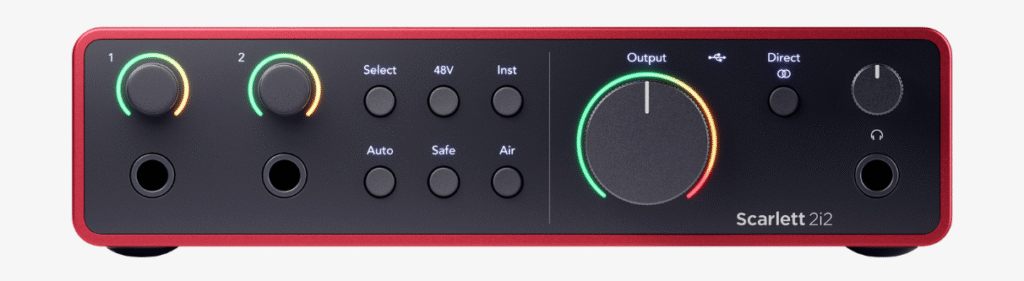
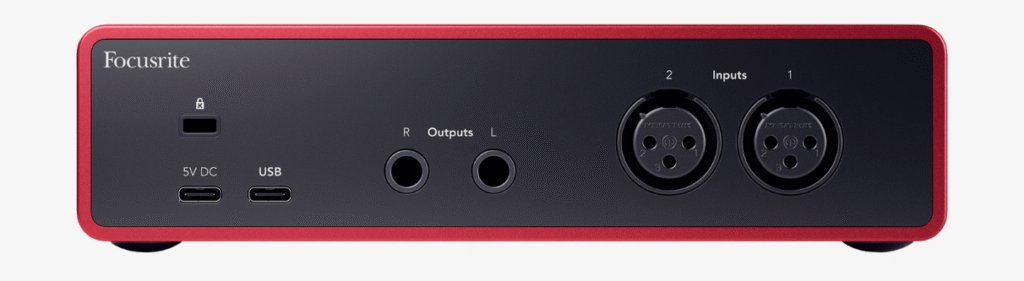
Why it stands out: Auto gain and clip safe reduce beginner‑level mistakes, and the recognisable “Air” voicing can add lift to vocals and acoustics without extra processing; it remains a top recommendation for first‑time buyers in 2025.
Who it’s for: New home‑studio users who want an easy setup, solid drivers, and a rich software bundle to start recording quickly.
Audient EVO 4 — best for streaming and podcasting
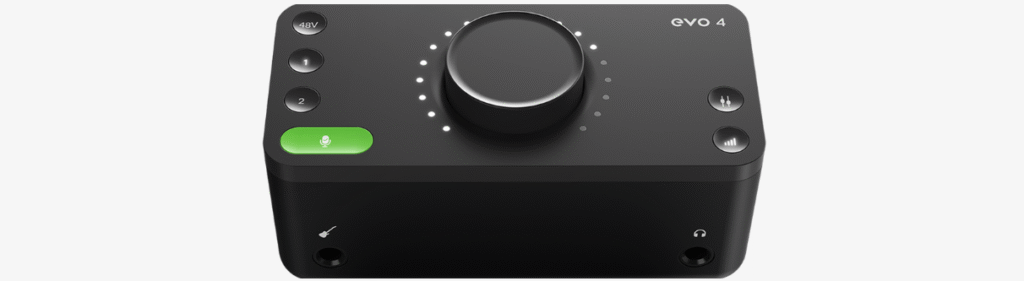
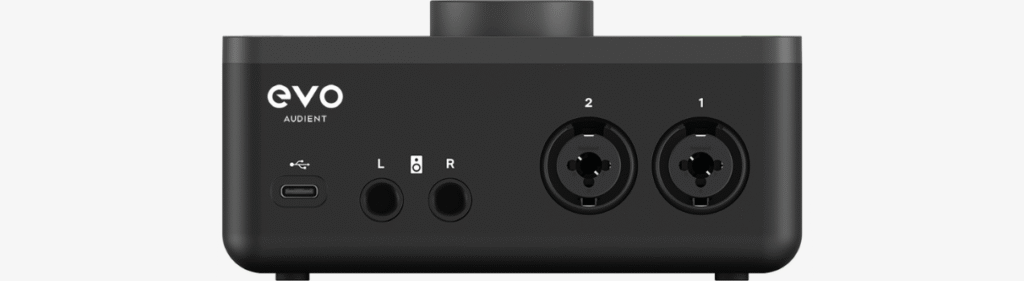
Why it stands out: Smart gain quickly sets input levels, and loopback simplifies screen‑recording, remote interviews, and live stream audio mixes—ideal for creators who want clean sound with minimal fuss.
Who it’s for: Streamers and podcasters who need reliable loopback and helpful levelling features in a compact, budget unit.
Universal Audio Volt 2 — best for analog‑style character
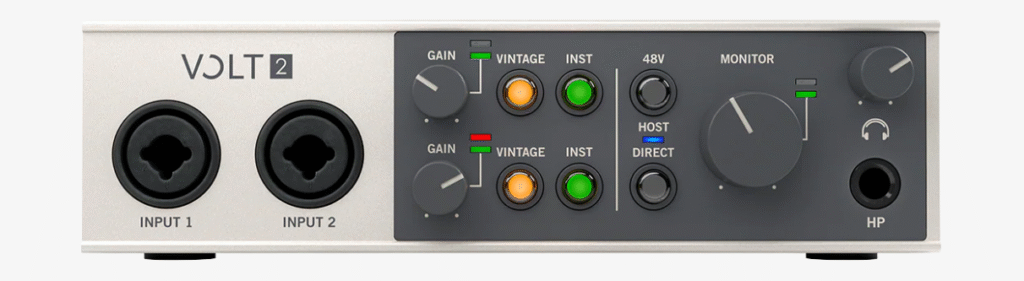
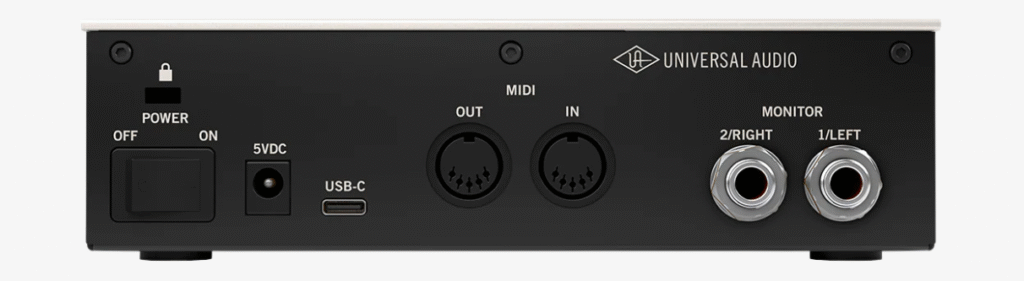
Why it stands out: The “Vintage” switch engages a tasteful coloration that flatters voice and instruments, giving a finished vibe at the tracking stage without extra plugins or outboard.
Who it’s for: Singer‑songwriters and voice‑forward creators who prefer a slightly warmer tone right out of the box.
Behringer U‑Phoria UM2/UMC22 — best ultra‑budget
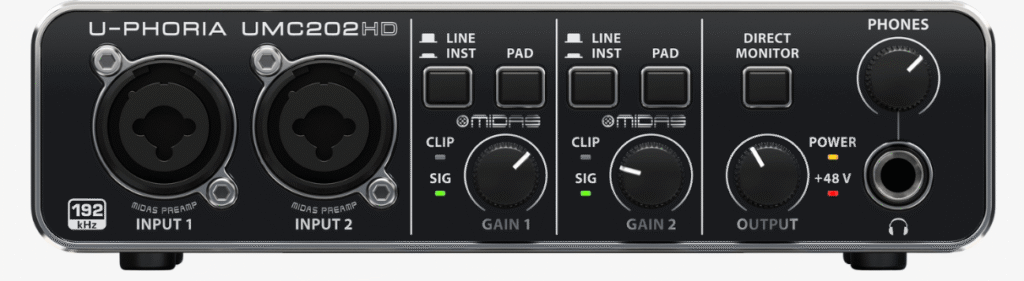
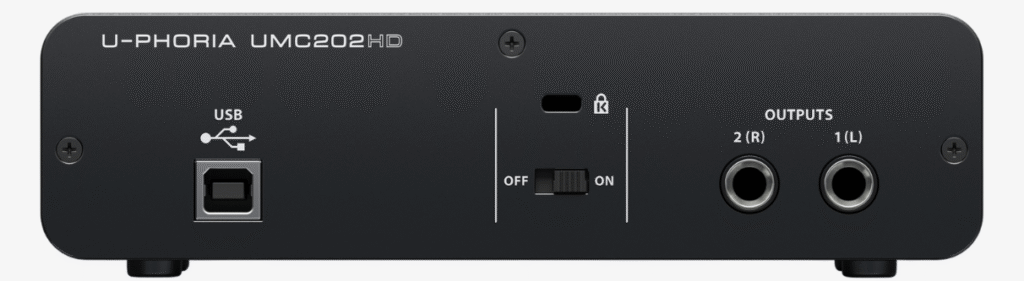
Why it stands out: These models provide an entry point to 24‑bit recording for very little money; although noise at higher gains and driver quirks can appear, they let true beginners start creating today.
Who it’s for: Anyone on a strict budget who needs a temporary but functional solution before stepping up to something like a 2i2, M2, EVO, or Volt.
💡Pro tip: While recording, letting -6 dB of room level in your input gain level can prevent you from clipping and keeps recording clean.
FAQ’s ⁉️
Do expensive interfaces sound dramatically better?
In typical home‑studio setups, gains from premium interfaces are smaller than gains from good mics, acoustics, and monitoring; a well‑chosen sub‑$200 interface is more than sufficient for pro‑sounding projects.
Do I need 192 kHz?
For music and voice, 48–96 kHz is practical; driver stability, latency, and preamp quality matter more than ultra‑high sample rates for beginners.
USB‑C vs USB‑A?
The connector doesn’t determine audio quality; focus on driver quality and workflow features, and use adapters if needed for your computer.
What about loopback for streaming?
If you go live or record system audio, prioritise interfaces with built‑in loopback or streamlined software routing to avoid third‑party tools.
Practical tips ✅
Treat the room
Basic absorption at first reflection points and a reflection filter for vocals will outperform chasing tiny spec differences across interfaces in the same price band.
Gain staging
Use meters to set peaks safely below clipping; use direct monitoring or a hardware blend for latency‑free tracking where possible.
Cables and noise
Use balanced TRS cables to monitors, avoid ground loops with sensible power distribution, and keep interface output near unity with monitor volume controlled downstream.
Workflow
Start with the bundled DAW, learn a simple vocal chain while recording (HPF, gentle compression, light EQ), and export at consistent levels for repeatability across projects.
At the end of the day, it really comes down to the value and effort you put into your work. Sure, having fancy gear and top-notch equipment is cool, but what really matters is your intention behind your sound production. Could be any stream of work. Are you chasing better sound just for yourself, or are you focused on creating something special for everyone who listens to your craft?
That question ought to get you thinking. Because once you start making music—or any project—with others in mind, that’s when real growth kicks in. It pushes you to take responsibility, step up your game, and make the kind of changes that truly matter—not just for you, but for your entire audience.
“CHANGE IS THE ONLY CONSTANT” – Heraclitus